How to post so it counts
Post your own link. Only clicks on it count.
We count clicks on your own tracking link (Rule 6). If people can't reach your link from a post, that post brings you no clicks. These steps are the same whether you post by hand or with a scheduler like Postiz.
- Copy your link. On your dashboard, open My links and tap Copy next to your link.
- Paste it in. Put it in your caption. If links in captions aren't clickable on that platform (like Instagram or TikTok), put it in your bio or the platform's link field, like a story link sticker, and say "link in bio" in your caption.
- Add #contest #ad and post. Put #contest #ad in every caption, where people can see it without tapping "more." On video, say it out loud too. On stories, put it on every frame that has your link (Rule 13).
- Check your post, then your dashboard. Open your live post and make sure your full link and #contest #ad are there. Don't click your own link to test it, because self-clicking isn't allowed. Your dashboard shows your live clicks as they happen, plus your official score, which only uses clicks that pass review, updates once a day and can be lower. In the final 6 hours before each freeze, you see your rank band instead of your exact rank, and your live clicks are hidden until results (Rule 6b).
Where do you post?
Example: post on XExample

Open X. 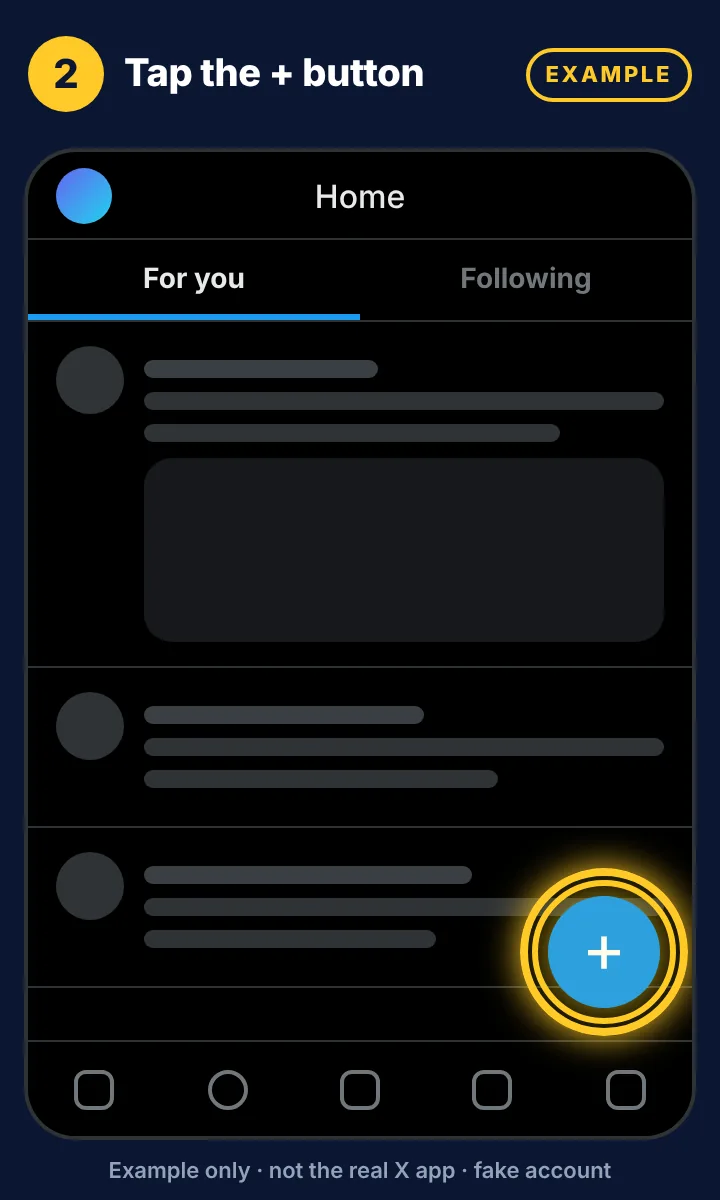
Tap the + button. 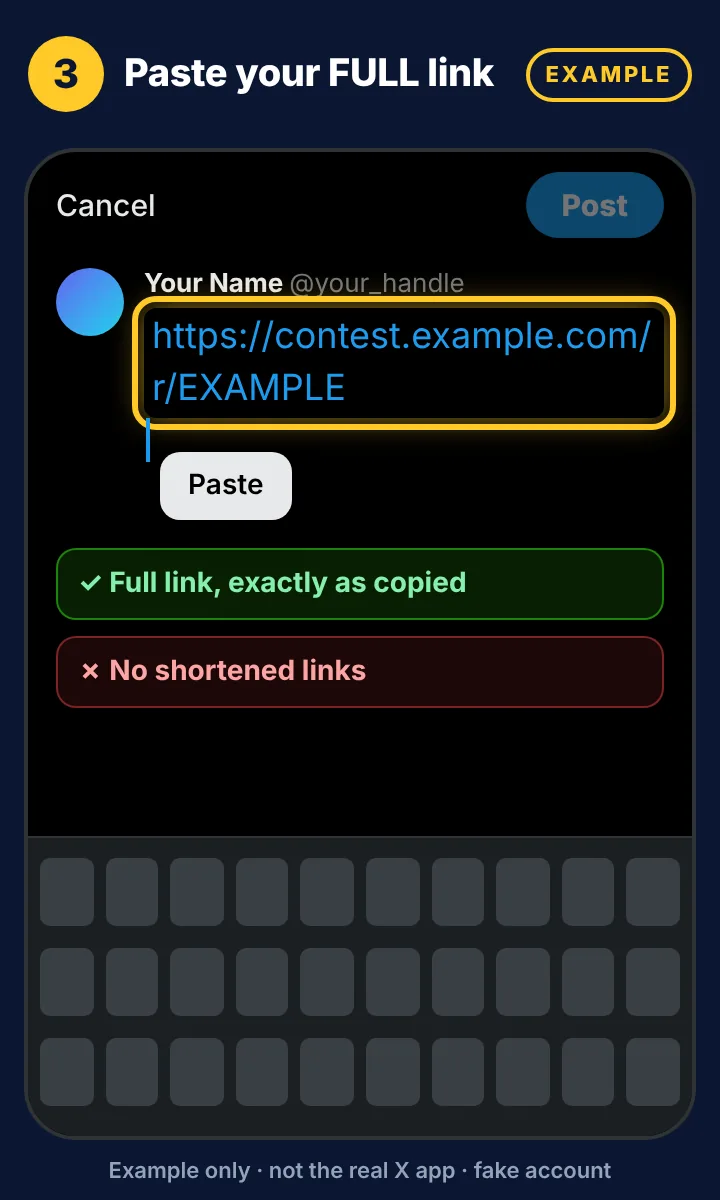
Paste your full link. Don't shorten it. 
Add a line about LUNC and #contest #ad. 
Tip: add an image or video to get more from your post. 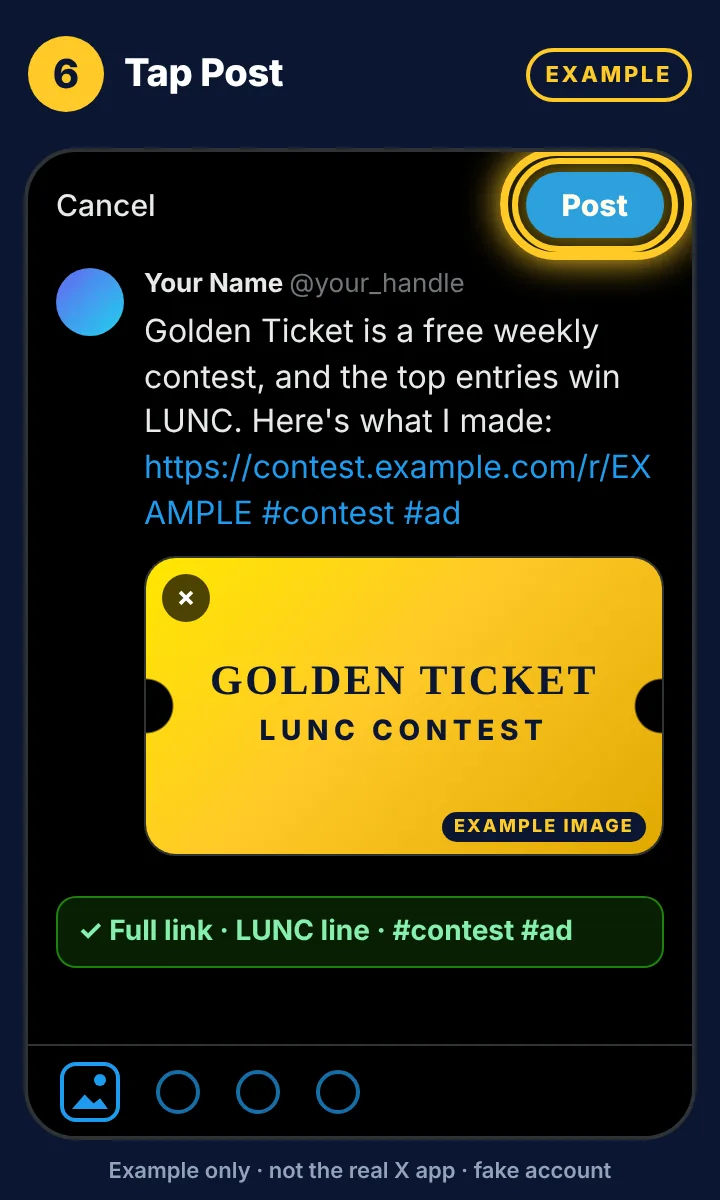
Tap Post.
Example postExample
Golden Ticket is a free weekly contest, and the top entries win LUNC. Here's what I made: https://contest.example.com/r/EXAMPLE #contest #ad
Copies the words only. Add your own full link.
Example: post on Binance SquareExample

Open Binance Square and tap +. 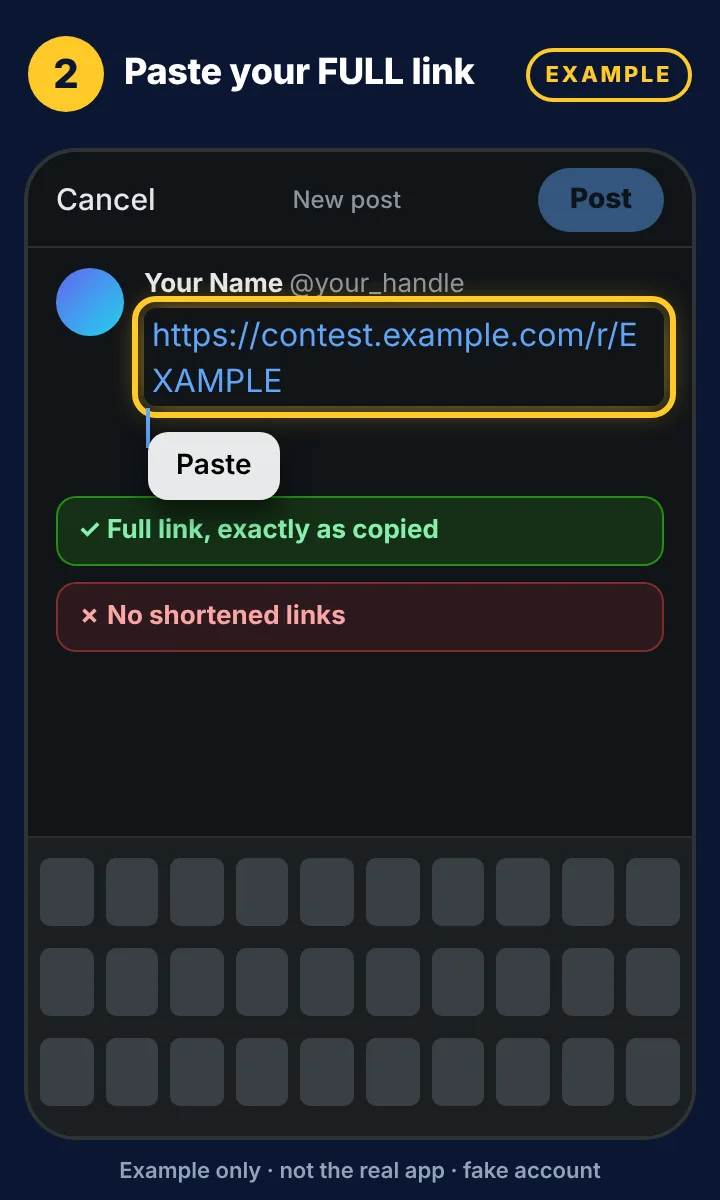
Paste your full link. Don't shorten it. 
Add a line about LUNC, #LUNC and #contest #ad. 
Tip: add an image or video to get more from your post. 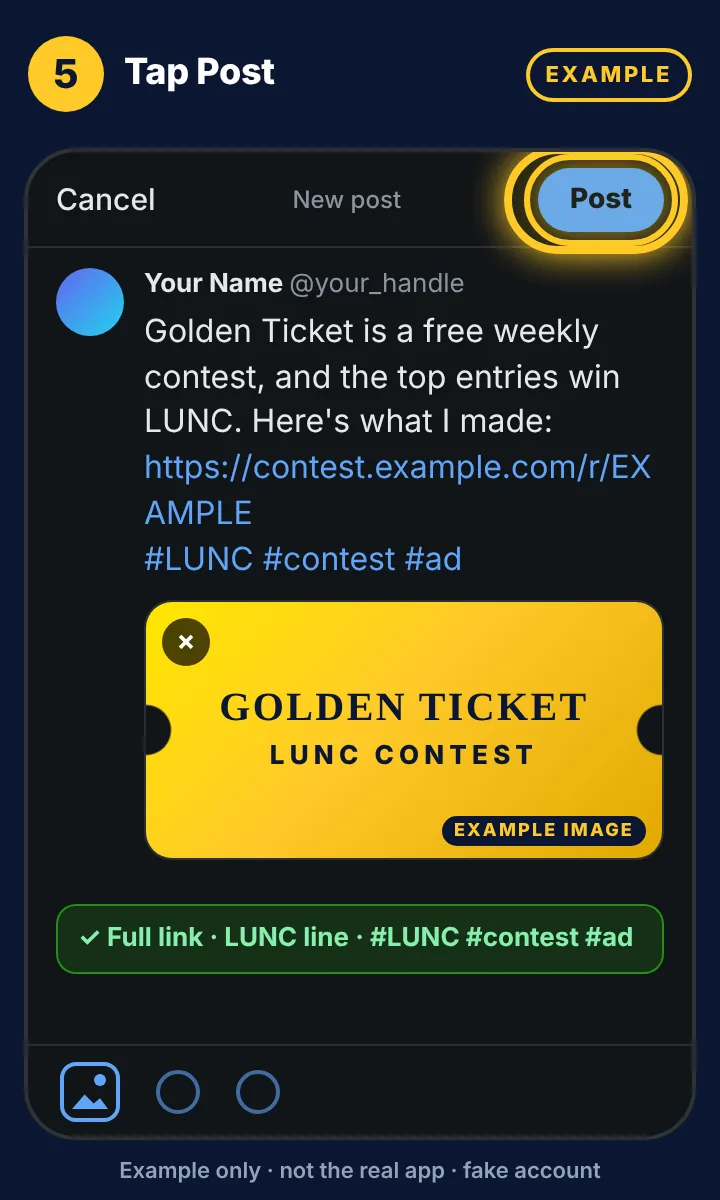
Tap Post.
Example postExample
Golden Ticket is a free weekly contest, and the top entries win LUNC. Here's what I made: https://contest.example.com/r/EXAMPLE #LUNC #contest #ad
Copies the words only. Add your own full link.
Example: post on TelegramExample
Only your own channel or chats. No mass-posting into groups.

Open your own channel or chat. 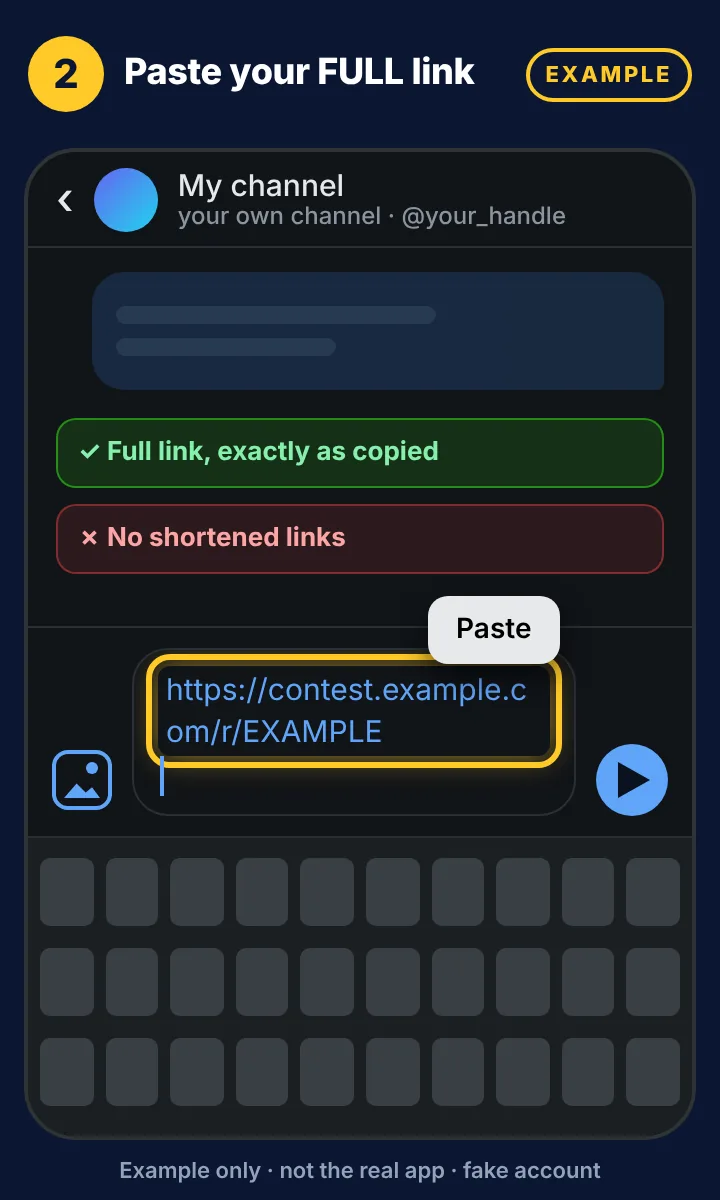
Paste your full link. Don't shorten it. 
Add a line about LUNC and #contest #ad. 
Tip: add an image or video to get more from your post. 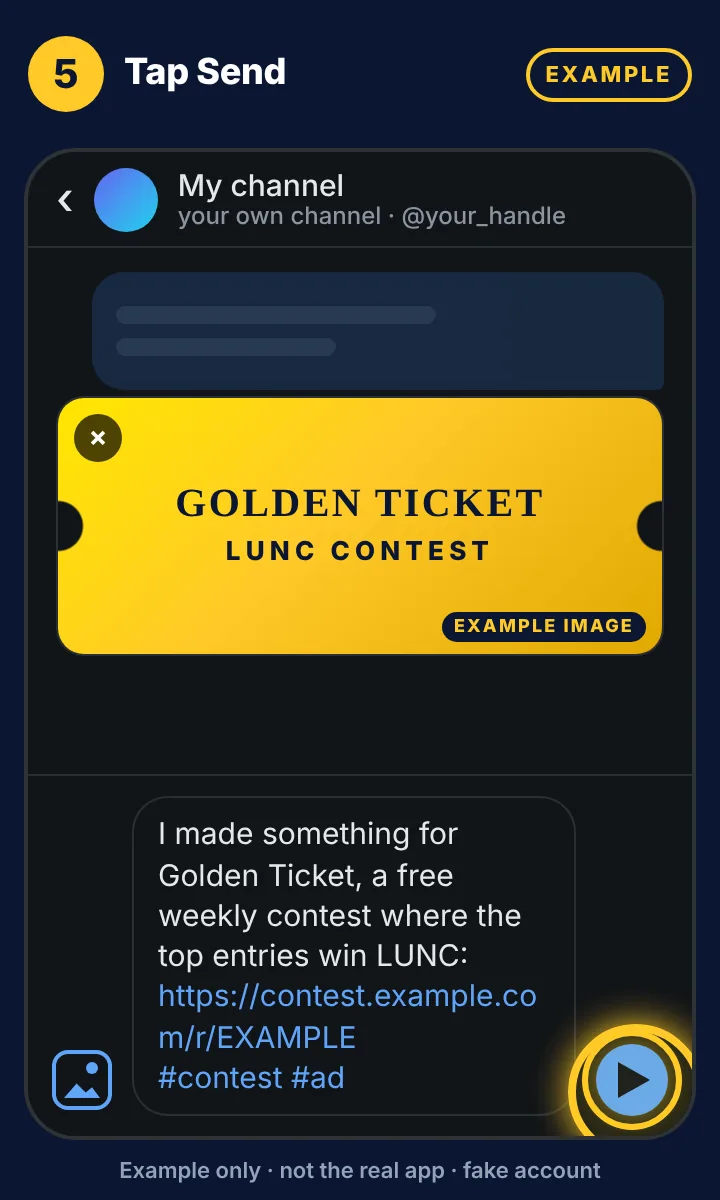
Tap Send.
Example postExample
I made something for Golden Ticket, a free weekly contest where the top entries win LUNC: https://contest.example.com/r/EXAMPLE #contest #ad
Copies the words only. Add your own full link.
Example: post on RedditExample
Post on your own profile. In a subreddit, follow its rules: some, like r/terraluna, ban self-promotion.

Go to your profile and tap Create post. 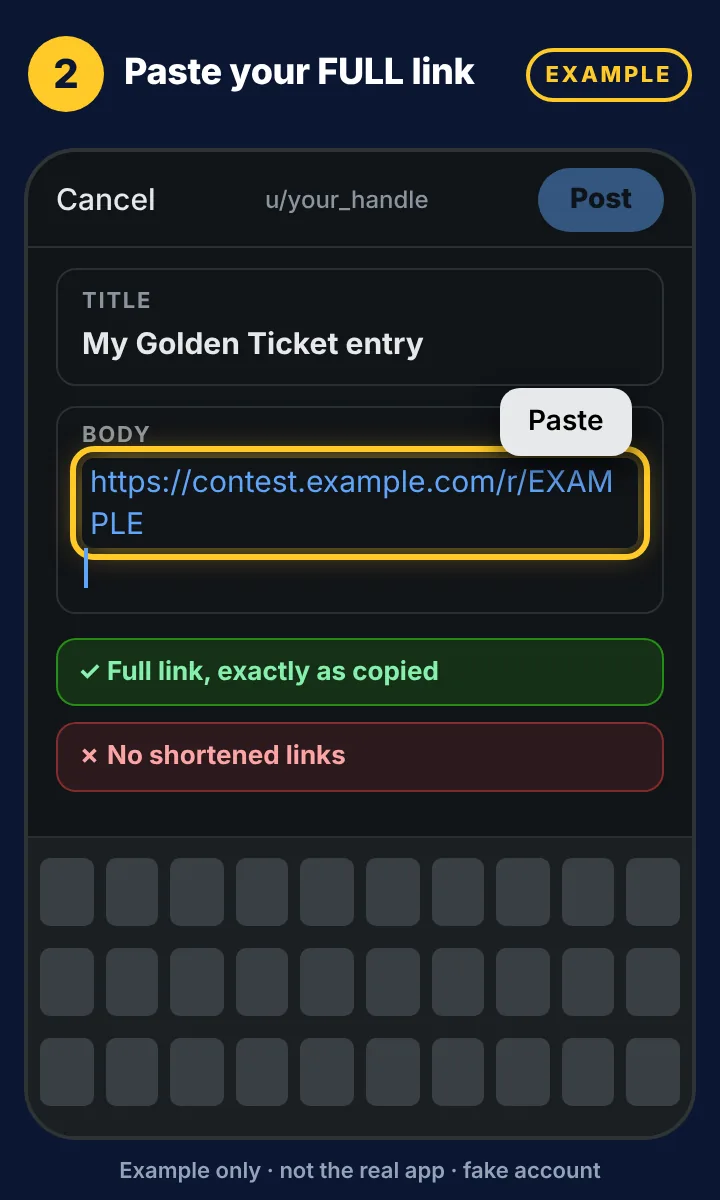
Paste your full link. Don't shorten it. 
Add a line about LUNC and #contest #ad. 
Tip: add an image or video to get more from your post. 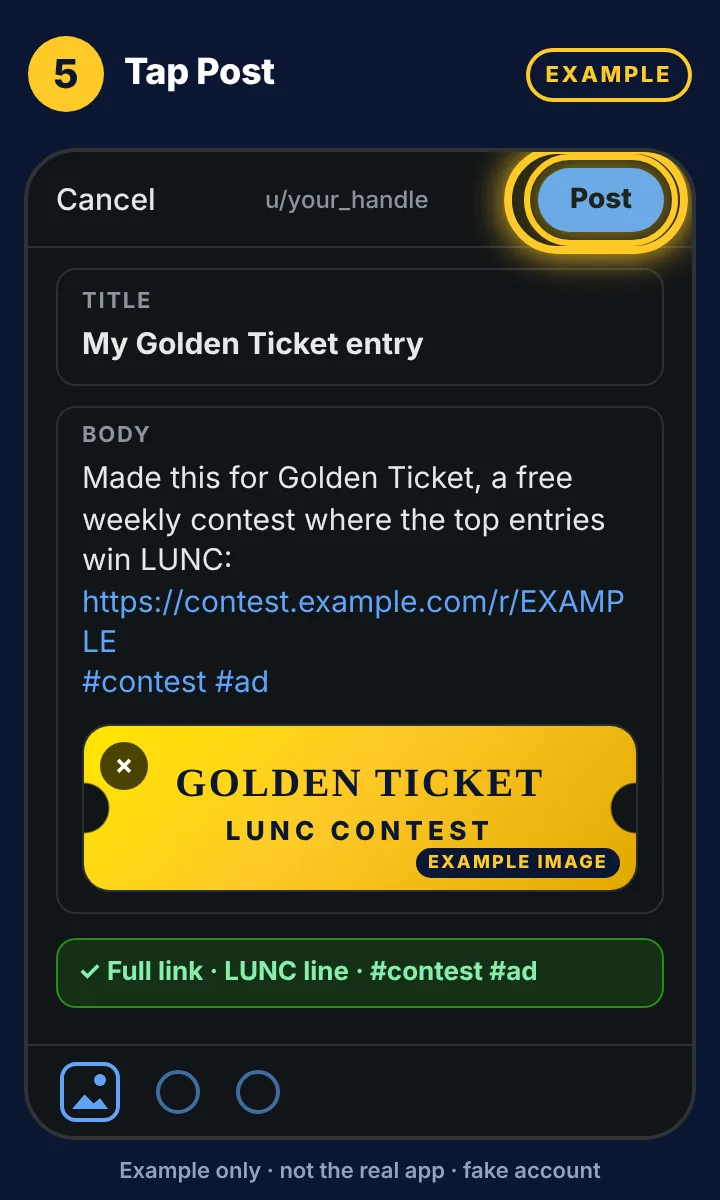
Tap Post.
Example postExample
Made this for Golden Ticket, a free weekly contest where the top entries win LUNC: https://contest.example.com/r/EXAMPLE #contest #ad
Copies the words only. Add your own full link.
Tip: is your post also about another coin? Then add that coin's hashtag, like #LUNC vs #SOL. People who follow that coin can find your post.
- Add one other coin only. Your post must really be about it. For example, you compare or discuss the two.
- Use only a few hashtags in total, plus #contest #ad. Each platform has its own limit.
- Your own link is still required.
- Say only true things about the other coin. Don't talk about prices or which coin will go up.
- Your own tracking link, copied from your dashboard and pasted in full
- Your link in the caption, or in your bio or link field where the platform needs that
- #contest #ad in every caption, visible without tapping "more"
- Posted from your own social account
- No price or return claims, and nothing offered for clicks or views
- The link was deleted or edited. If your link is removed, or any part of it changes, clicks can't reach it. Paste it again exactly as you copied it. If you edit a post later, check that your link is still there.
- The link was shortened by another service. Your link is ready to use as it is. Don't put it through another link shortener. Clicks through shorteners, redirectors or link cloakers don't count. The ?utm_source tag at the end is fine.
- A scheduler stripped the link. Some tools remove links or swap in their own. After your post goes live, open it and check that your full link is there.
- The wrong account. Post only from your own social accounts, and connect only your own accounts to a scheduler. You don't need to link a social account on your dashboard to compete (Rule 6a). If you do link X or TikTok, link an account you own.
Paste your full link exactly as you copied it, and don't let the tool shorten or rewrite it. If it shortens links on its own (like Buffer's buff.ly), turn that off. Everything else on this page works the same way. Keep auto-likes, auto-comments, auto-reposts and Plugs turned off (Rule 13b).
Questions? See the FAQ and the Official Rules.